Home / Safe and Healthy Screen Time
A Plain-Language Guide to Passwords, Permissions, and Data on Learning Sites

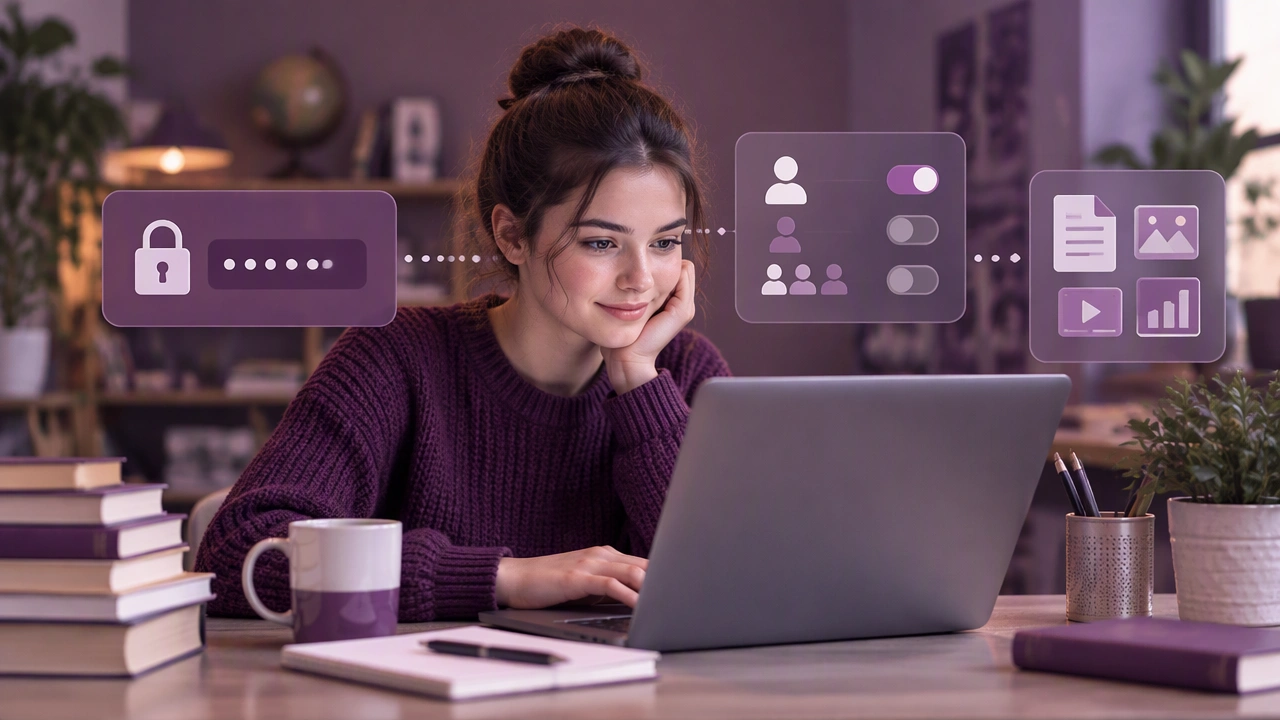
Learning through the internet makes study flexible, social, and available almost anywhere. It also means that a learning platform can collect information about what you study, how long you stay, and sometimes who you are. This guide explains how to protect personal data when using learning platforms, without requiring technical expertise. It focuses on three everyday areas: passwords, permissions, and the data education sites gather.
Start with a strong sign-in habit
A password is the first lock on your learning account. Use a different password for each site, especially for email, school portals, payment pages, and any account linked to a student profile. Reusing one password means a single breach can expose several services at once.
If remembering unique passwords feels difficult, use a reputable password manager. It can create long, random passwords and fill them for you. Protect the manager itself with one memorable passphrase and, where available, a second factor such as an authenticator app or a security key.
- Use a passphrase: several unrelated words are easier to type and harder to guess than a short password with symbols.
- Turn on two-step verification: prefer an app or security key over SMS when you have a choice.
- Never share codes: support staff should not ask for your one-time code or full password.
- Sign out on shared devices: close the browser session and remove saved credentials after class.
Check whether the platform offers account activity or login alerts. If you see an unfamiliar device or location, change the password immediately and review connected apps.
Understand permissions before you click Allow
Permissions are choices a site or app makes about what it can access. They may include your camera, microphone, location, contacts, files, or notifications. A video classroom may need the camera and microphone during a live session. A language practice tool may need the microphone for speaking exercises. Most features do not need permanent access.
Read permission prompts slowly. If an app asks for access that does not match its purpose, decline or postpone it. A document editor rarely needs your contacts, and a quiz app rarely needs your location. You can usually change these choices later in device settings or in the platform’s privacy menu.
Use the least access that still works
A useful rule is to grant only what the current task requires. For a recorded lesson, you might allow the microphone for the session and turn it off afterward. For a browser-based tool, block pop-ups and limit background permissions. On a phone, check which apps can run in the background and remove access from apps you no longer use.
Be careful with “log in with” options. Signing in with a social or school account can be convenient, but it may share your name, email, profile image, or friend list with another service. Review the listed permissions and choose the smallest set that lets you continue. If you are unsure, create a separate account with a dedicated email address.
Know what education sites may collect
Education platforms often collect more than a username. The exact data depends on the service, the course, and your institution’s settings. Common categories include:
- Account details: name, email, age or grade, school, and profile information.
- Learning activity: quiz results, assignments, badges, time spent, and progress.
- Device and technical data: browser type, IP address, operating system, and cookies.
- Communication: forum posts, messages, and teacher feedback.
- Media: camera or microphone input during live classes, if enabled.
Some data helps the platform work: saving your place in a lesson or keeping a discussion in order. Other data may be used for recommendations, analytics, or advertising. When data is linked to a student profile, the stakes are higher because it can reveal patterns over time.
Look for the privacy policy and settings page before you upload documents or record a session. You do not need to read every sentence at once. Search for words such as “retention,” “sharing,” “analytics,” “third parties,” and “your choices.” Check whether you can download or delete your data, and whether a parent or school administrator controls those choices.
Ask practical questions
When evaluating a new learning site, ask who can see your work, how long data is kept, and whether human reviewers can access recordings. Ask whether the service uses your content to train automated systems, if that is relevant to the tool. If the answers are unclear, use a lower-risk option or speak with your teacher or administrator.
Make privacy part of your study routine
Small, regular habits reduce risk without interrupting learning. Before each session, check that you are on the official website or app, not a look-alike link in an email. Use a private or school-managed browser profile for coursework so personal browsing does not mix with class accounts. Avoid entering sensitive information in public discussion boards, and remember that screenshots can travel.
After a course ends, review connected apps and remove access you no longer need. Delete old downloads from shared computers, and sign out of accounts on devices you borrowed. If you used a free trial, check whether it stored payment details and cancel any unwanted renewal.
When something goes wrong
If you suspect a compromised account, change the password first, then review recovery email, phone, and active sessions. Revoke unfamiliar connected apps and enable two-step verification. Tell a teacher, parent, or administrator if the account belongs to a school, and report suspicious messages rather than forwarding them.
Privacy is not about avoiding technology. It is about making informed choices so that learning online stays useful, manageable, and respectful of your boundaries. By handling passwords carefully, granting only necessary permissions, and understanding what a platform collects, you can study with greater confidence and keep control of your personal information.