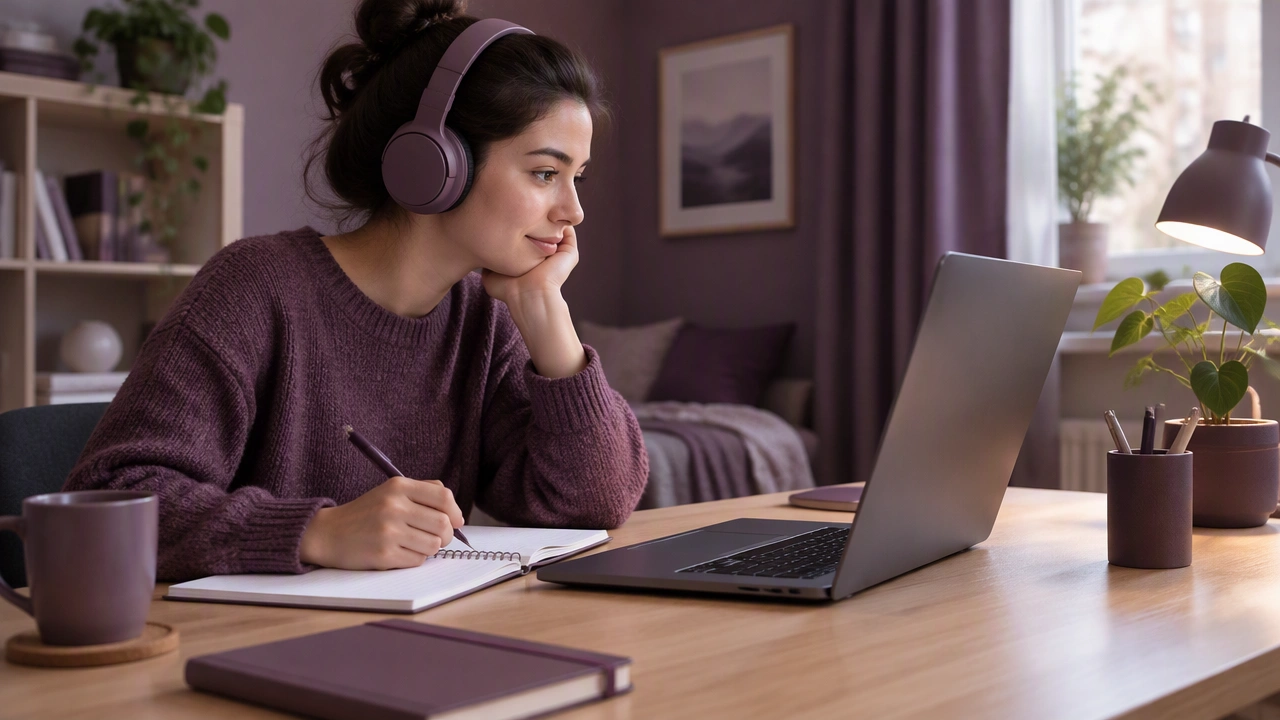
Learning on the Internet, One Session at a Time: Simple Equipment and Layout Choices That Reduce Distractions at Home
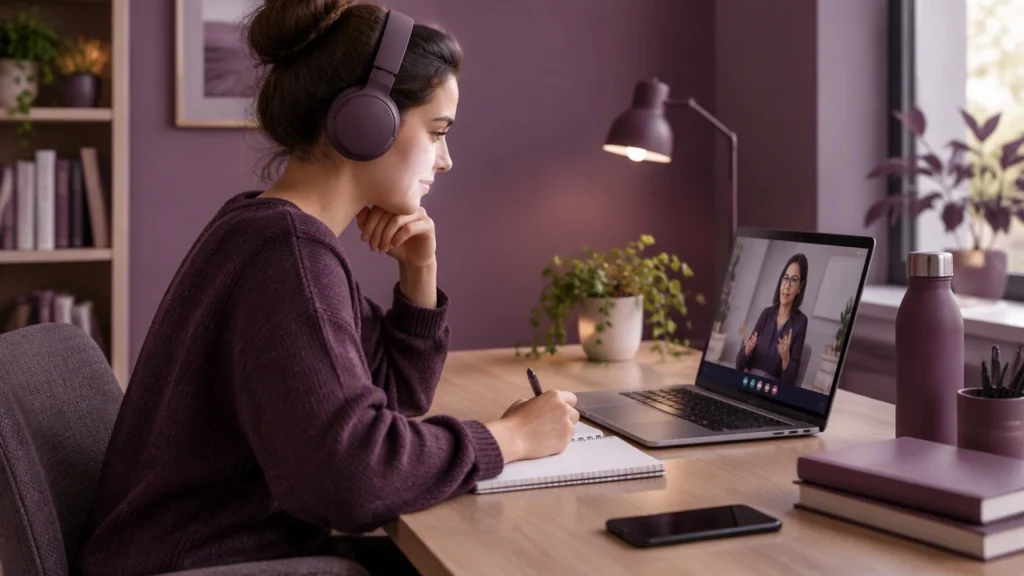
Learning on the internet works best when your environment supports the task. A clear desk, steady audio, and a calm corner can turn short study windows into deep, productive sessions. If you have ever wondered how to set up a quiet home study space for online classes, the answer is less about expensive furniture and more about a few simple equipment and layout choices that reduce distractions at home.
Start with a dedicated study zone
Choose one spot that is only for studying. It can be a small desk in a bedroom, a folding table in a quiet corner, or a kitchen nook used only during set hours. The point is consistency. When you sit in the same place and see the same simple setup, your brain learns to switch into focus mode faster.
Keep the surface clear. Remove unrelated mail, toys, random cables, and anything that invites multitasking. A clean surface reduces visual noise and makes it easier to start on time.
Place the desk with intention
- Face a wall or a calm view. A window can be fine, but avoid a spot that faces heavy foot traffic or a TV.
- Keep the door in sight or behind you. If the door is in front of you, household movement will pull your eyes away from the screen.
- Put the screen at eye level. Use a laptop stand or a stack of sturdy books so the top of the display is near eye height. This simple change reduces neck strain and helps you sit upright.
- Keep the desk depth comfortable. Aim for at least 40 to 60 centimeters of space between your eyes and the screen to reduce eye fatigue.
Choose simple equipment that removes friction
You do not need a perfect setup. You need a reliable one. Focus on gear that prevents common interruptions: bad audio, lag, and discomfort.
- Headphones with a built-in microphone. Wired earbuds or a basic headset can reduce echo and keep your voice clear. They also signal to others that you are in class.
- A stable internet connection. If Wi‑Fi is weak at your desk, use an Ethernet cable or a small powerline adapter. A cable is the cheapest way to cut lag during live sessions.
- A simple webcam. Most built-in laptop cameras are fine. If you need an external one, choose a basic 1080p model and place it at the top of your screen.
- A small desk lamp. Good lighting helps you stay alert and look clear on camera. A lamp with a neutral or warm light is usually enough.
- A keyboard and mouse. If you use a laptop stand, an external keyboard and mouse keep your wrists comfortable and your posture steady.
Control sound before it controls you
Sound is the biggest distraction in most homes. Start with placement. Move your desk away from noisy appliances, hallway doors, or shared living areas. Close the door during live sessions if possible. A simple door draft stopper can also reduce sound leaking in.
If background noise is unavoidable, try low-cost fixes first. Heavy curtains, a soft rug, and a few books on shelves can absorb sound better than bare walls. A small fan or quiet air purifier can provide steady white noise that masks sudden household sounds.
For classes and group work, use your headset microphone instead of laptop speakers. It cuts echo and keeps your voice clear. If your platform allows it, enable noise suppression in the app settings.
Use light to support focus
Natural light is ideal when it does not create glare on your screen. Place the lamp on the side of your dominant hand to reduce shadows while writing. Avoid sitting with a bright window behind you, because it makes you look dark on camera and tires your eyes. If glare is a problem, tilt the screen slightly or use blinds.
Micro-breaks and eye comfort
Every 20 to 30 minutes, look away from the screen for about 20 seconds. Blink often. These small habits reduce strain and keep you comfortable through long sessions.
Build a layout that guides behavior
Think of your desk as a map. Keep only the items you use in every session within arm’s reach: headset, notebook, pen, charger, and water bottle. Store everything else in a drawer or a small bin. Fewer choices mean fewer distractions.
- Use a simple tray or caddy. Put your headset, charger, and pens in one place so you never waste time looking for them.
- Keep water nearby. A refillable bottle avoids repeated trips to the kitchen.
- Use a second screen only if it helps. A small external monitor can be great for notes, but a single clean laptop screen is better than two cluttered ones.
Make a start-and-stop routine
Routines help you begin quickly and end cleanly. Before a session, do a three-minute reset: clear the desk, open only the apps you need, silence your phone, and set a small goal for the class. After the session, save your notes, close tabs, and put the headset back in its spot. This tiny ritual keeps the space ready for the next time you sit down.
Reduce digital distractions with equal care
A tidy desk does not matter if your screen is full of pop-ups. Turn on Do Not Disturb on your phone and laptop. Close extra browser tabs. Use a single browser window for class. If you need background sound, choose a calm playlist without vocals and keep the volume low.
Design for different learning modes
Some days you attend live lectures. Other days you review recordings or practice skills. Adjust your setup slightly for each mode.
- Live classes: Prioritize audio quality, camera framing, and a clean background. Sit close enough to be heard clearly.
- Self-paced study: Keep your notebook open and use a timer for short focus blocks. This helps you measure progress and stay motivated.
- Group projects: Use your headset, mute when not speaking, and keep chat or shared docs open on a second screen if you have one.
Keep costs low and quality steady
You can build a strong setup without overspending. Start with what you own. Add one item at a time based on the biggest problem you face: a cable for lag, a lamp for dim light, or a headset for noisy rooms. Small upgrades, chosen with care, deliver the best results.
A calm space is a study tool
A quiet home study space is not a luxury. It is a tool that helps you show up, focus, and learn consistently. With a dedicated corner, simple equipment, and a layout that reduces distractions, you can make the most of every online session, one session at a time.